Lost the TV remote?
It's in your pocket.
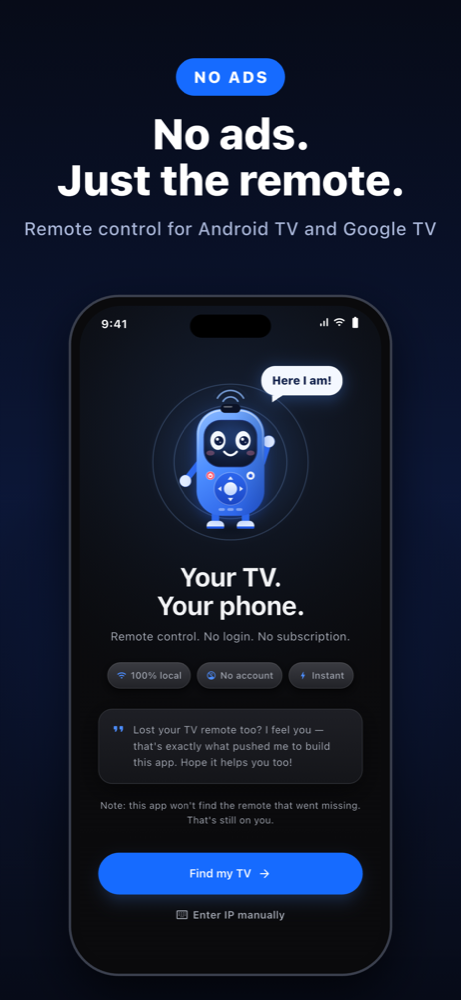
Your phone becomes the remote control for your Android TV or Google TV. No ads, no login, no subscription. Commands go straight from your phone to the TV over your Wi-Fi.
- No ads
- No account
- 100% local
- Pro: one-time purchase
Everything a remote should have. Nothing it should not.
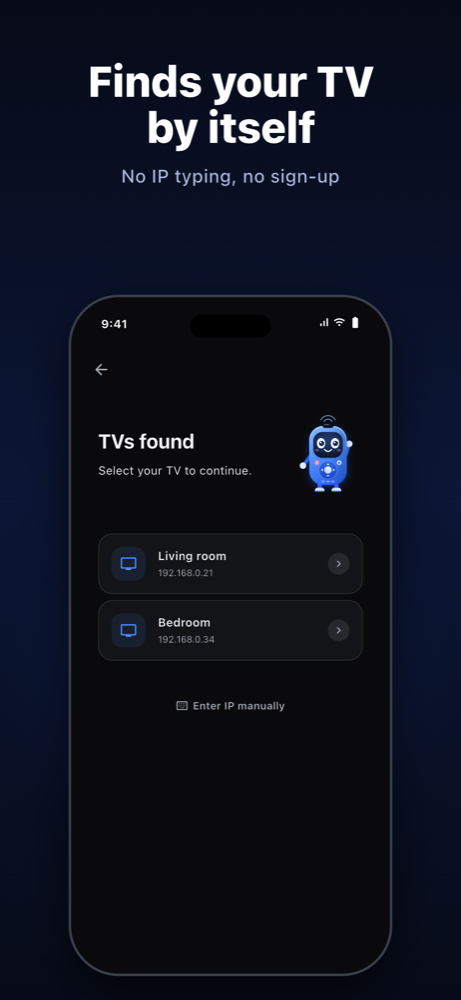
Finds your TV by itself
Open the app, type the PIN shown on the TV and you are paired. No IP settings, no sign-up.
Full remote
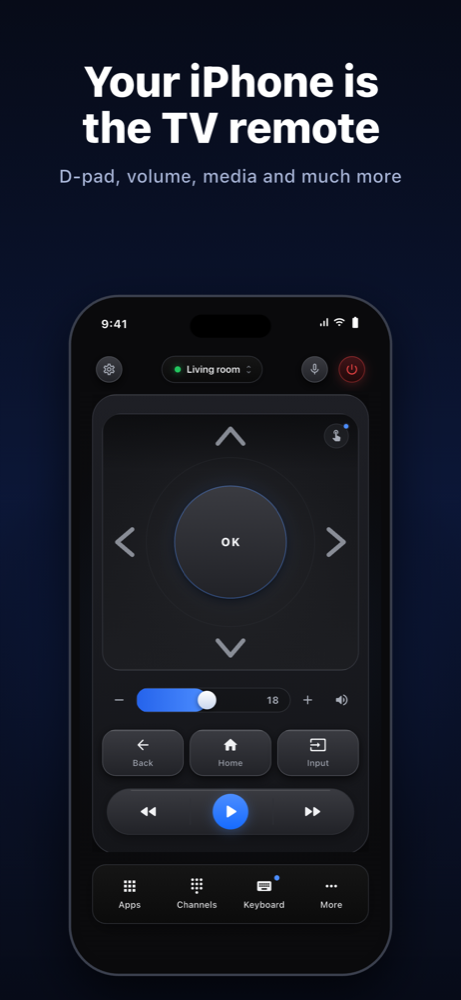
D-pad, OK, Back, Home, volume with the TV's real level, media keys and a number pad for channels.
Hold to repeat
Keep an arrow pressed and the key repeats, like a real remote.
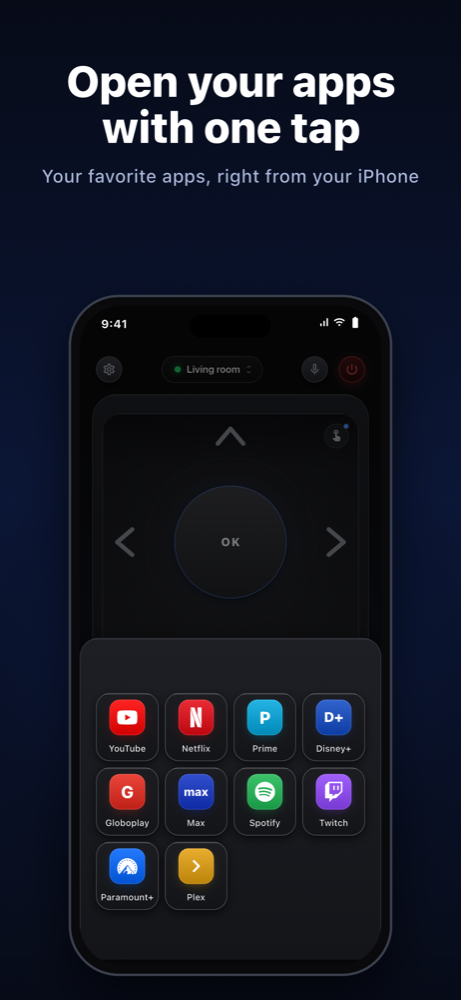
Your apps, one tap away
Open YouTube, Netflix, Prime Video and more straight from your phone.
Network Doctor
If something fails, the app shows what is blocking it: Wi-Fi, VPN, TV asleep or a closed port.
Made for the couch
Haptics only when you press a button (and you can turn them off). The screen dims on its own so it does not bother anyone at night.
See inside
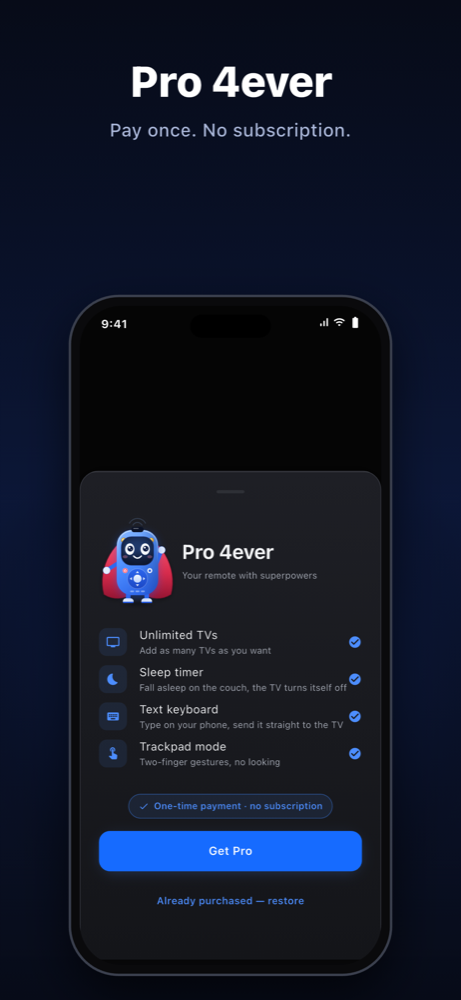
Pro 4ever. Pay once.
The app is free for one TV. With Pro you pay a single time, no monthly fee and no subscription:
- Unlimited TVs
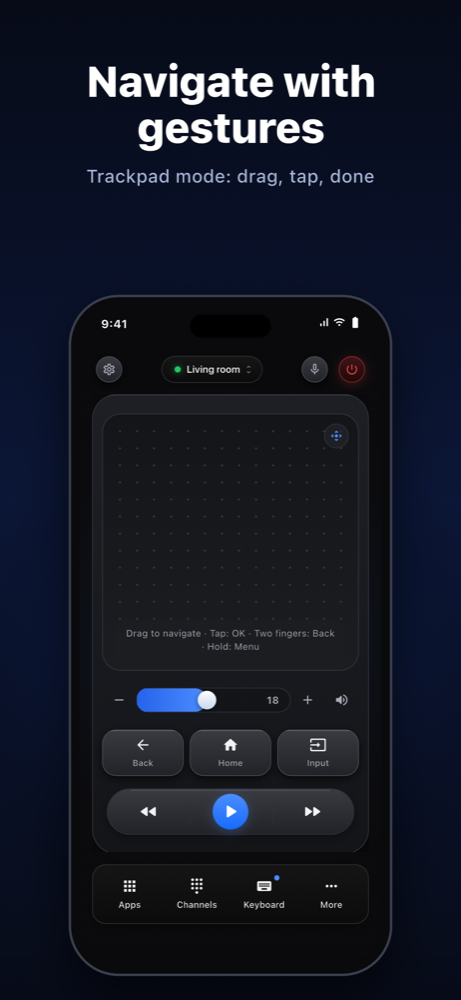
- Trackpad mode: navigate with gestures, with acceleration and two-finger shortcuts
- Text keyboard: type on your phone and send it to the TV
- Sleep timer that turns the TV off for you
Real privacy
No account, no ad tracking. Commands never pass through any server. Usage statistics are anonymous, carry no identifier and can be turned off in Settings.
Compatibility
Works with Android TV and Google TV devices (for example, Chromecast with Google TV and TVs with built-in Android TV). It does not work with Apple TV, Roku, Samsung (Tizen) or LG (webOS). Your phone and TV must be on the same Wi-Fi network.